Digital vehicle inspections your customers can see
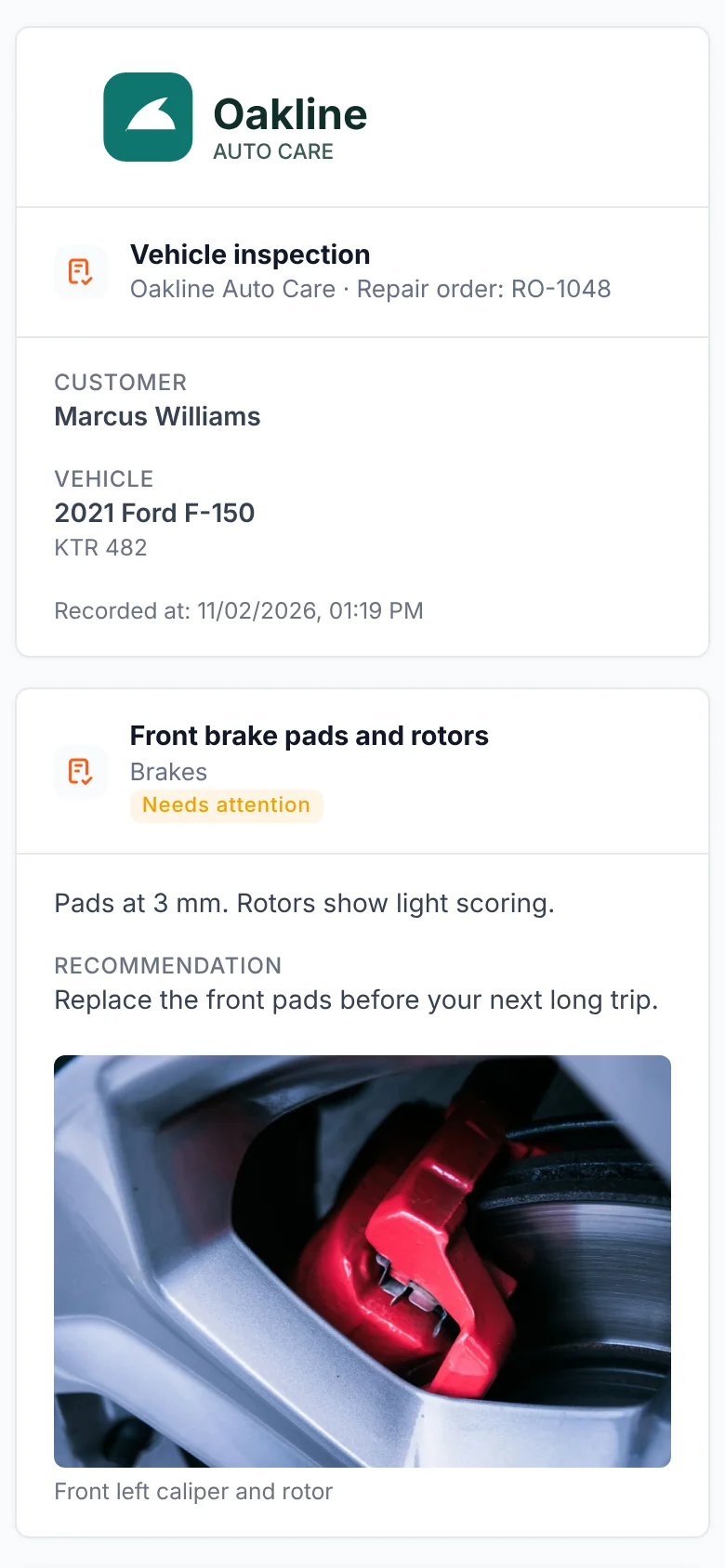
Record every inspection item with notes, photos and videos, then send the customer a clear report by link. You decide what they see, and the estimate is ready on the same work order.
Everything the inspection needs, nothing the customer shouldn’t see
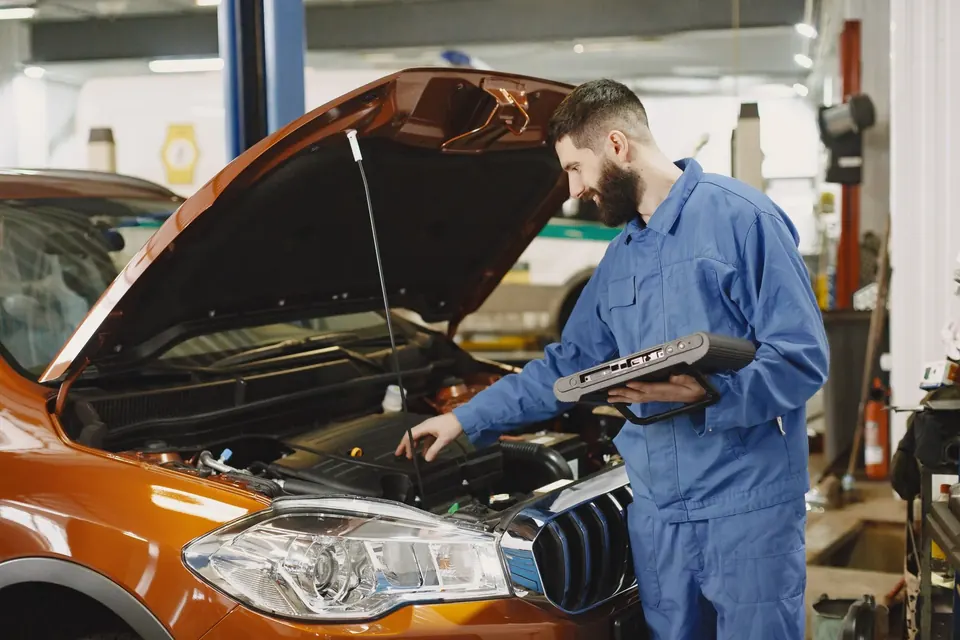
Photos, videos and notes per item
Attach evidence to each checklist item. Capture straight from a phone when the device and browser allow camera access.
Internal notes stay internal
Only the items and media you mark as visible go into the shared report.
A report with your shop’s identity
Your logo and contact details on the report, with PDF download and print.
Viewing is not approving
Customers can confirm they saw the report. Approving repairs happens separately, on the estimate.
How it works
- 1InspectWork through the checklist and add photos, videos and notes.
- 2Choose what to shareMark items and media as visible and add recommendations.
- 3Send the linkShare the report by email, WhatsApp or SMS, once the channel is connected or approved.
- 4Get the decisionThe customer approves or declines each estimate line from their phone.
Common questions
Can technicians take photos and videos from a phone?
Yes, when the phone’s browser allows camera access. Photos and short videos are attached to the inspection item they belong to.
Does the customer see our internal notes?
No. Notes stay internal. The shared report only includes the items, recommendations and media you mark as visible.
How long does the report link work?
Each published report has a private link that expires after 30 days. Publishing a new version replaces the previous link.
Can I send the inspection without an estimate?
Yes. The inspection report can be shared on its own or alongside the estimate.