Software for mobile mechanics and independent techs
Write estimates, inspect with photos, get approvals and send payment links from a phone or tablet, wherever the job is.

Built for work that happens in driveways and parking lots
No fixed address needed
Register as an individual or a business. Your GarageArc profile works without a shop address; payment and SMS activation still ask for the details those providers require.
Works in the phone browser
Use GarageArc on a phone, tablet or computer. Native apps are in limited testing and not yet in the app stores.
Estimates approved on the spot
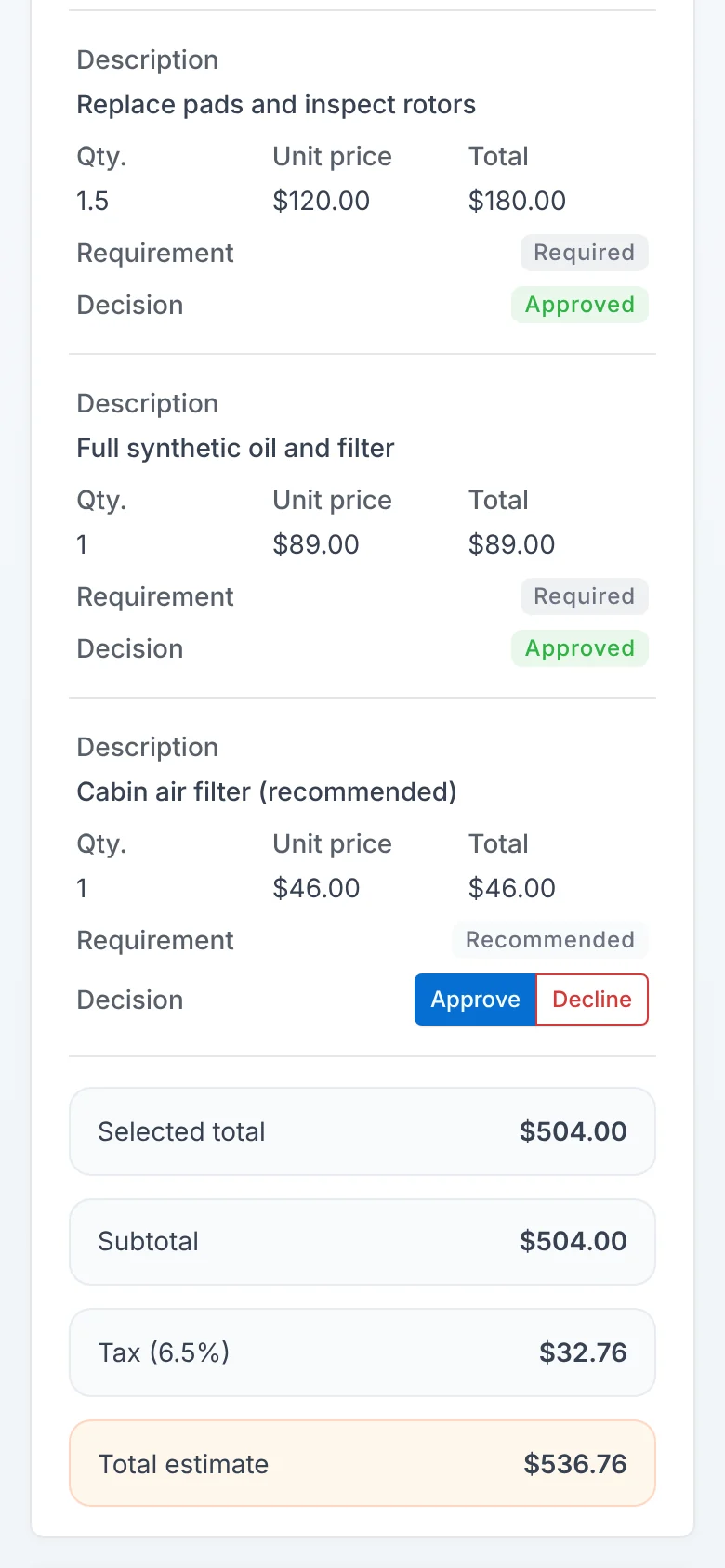
Customers approve or decline each line from their own phone.
Get paid before you leave
Send a Stripe payment link or record a payment taken another way.
Online payment links: Growth and up
How it works
- 1Open the work orderAdd the customer and vehicle on site.
- 2InspectAttach photos, videos and notes to each item.
- 3Send the estimateThe customer approves from their phone.
- 4Close outCollect payment and send the invoice.
Common questions
Do I need a shop address to use GarageArc?
No. The address fields are optional for mobile operations. Stripe and SMS activation ask for the business details they require.
Can I sign up as an individual?
Yes. You choose whether you operate as an individual or a business when you set up your shop.
Which plan fits one mechanic?
Start is built for independent mechanics. Stripe and online payment links start on Growth; Tap to Pay and financing on Pro.
Is there a mobile app?
GarageArc runs in the browser on phones and tablets. Native apps are in limited testing.